StimArt Modules
StimArt is crafted to function independently as a versatile tool for various stages of well stimulation job design. Whether for specific analyses or the overall process of design and assessment, StimArt provides reliability and utility that you can depend on.
Modules Window
This is the initial window displayed upon launching the software.
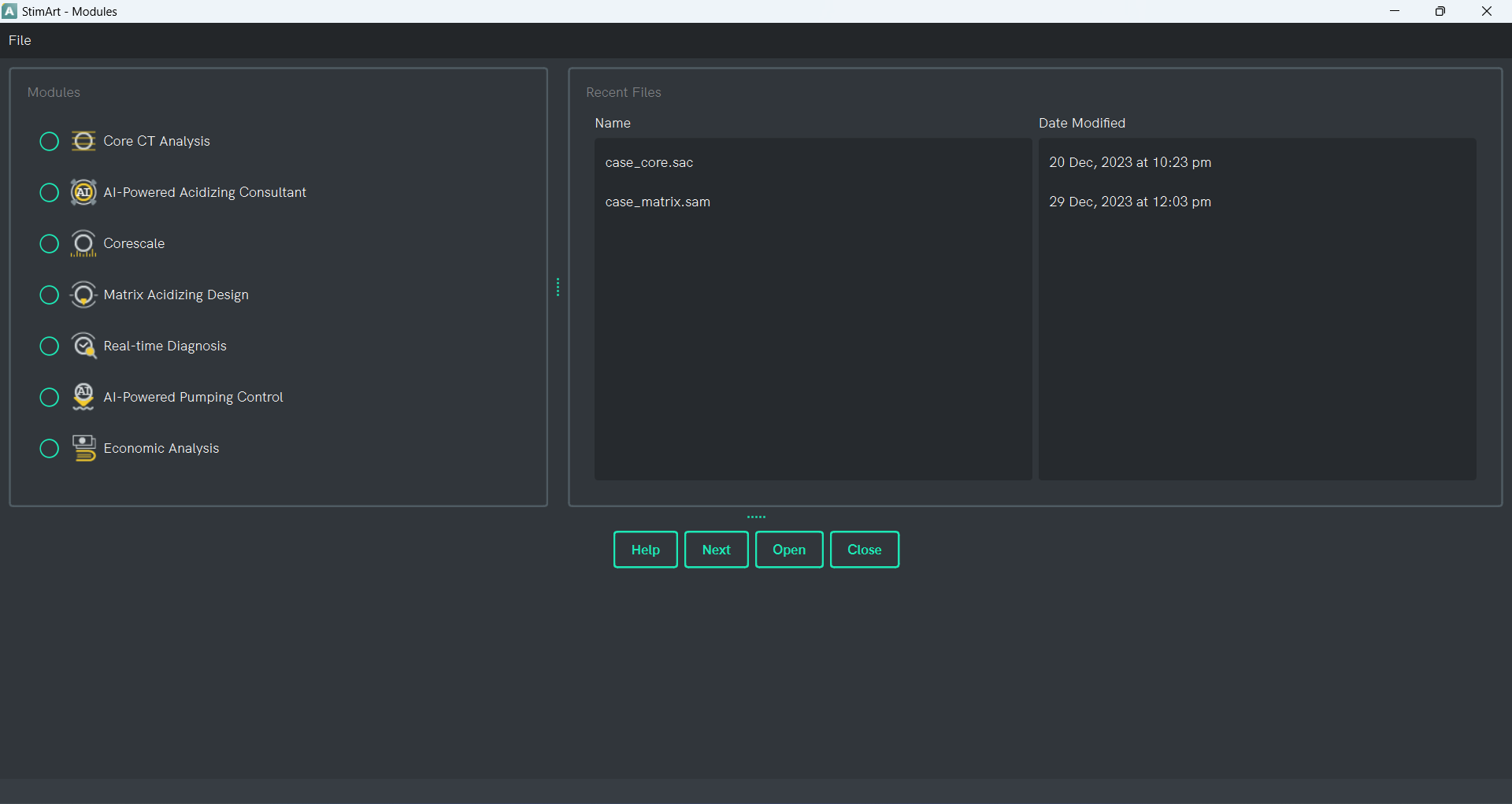
File
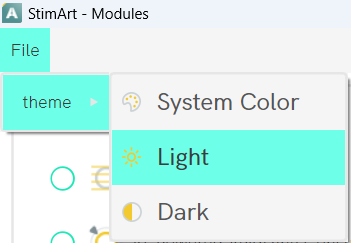
Through the File menu, users have the option to select and modify the application's theme. The default theme is dark, and there are three themes available.
- System Color

- Light

- Dark

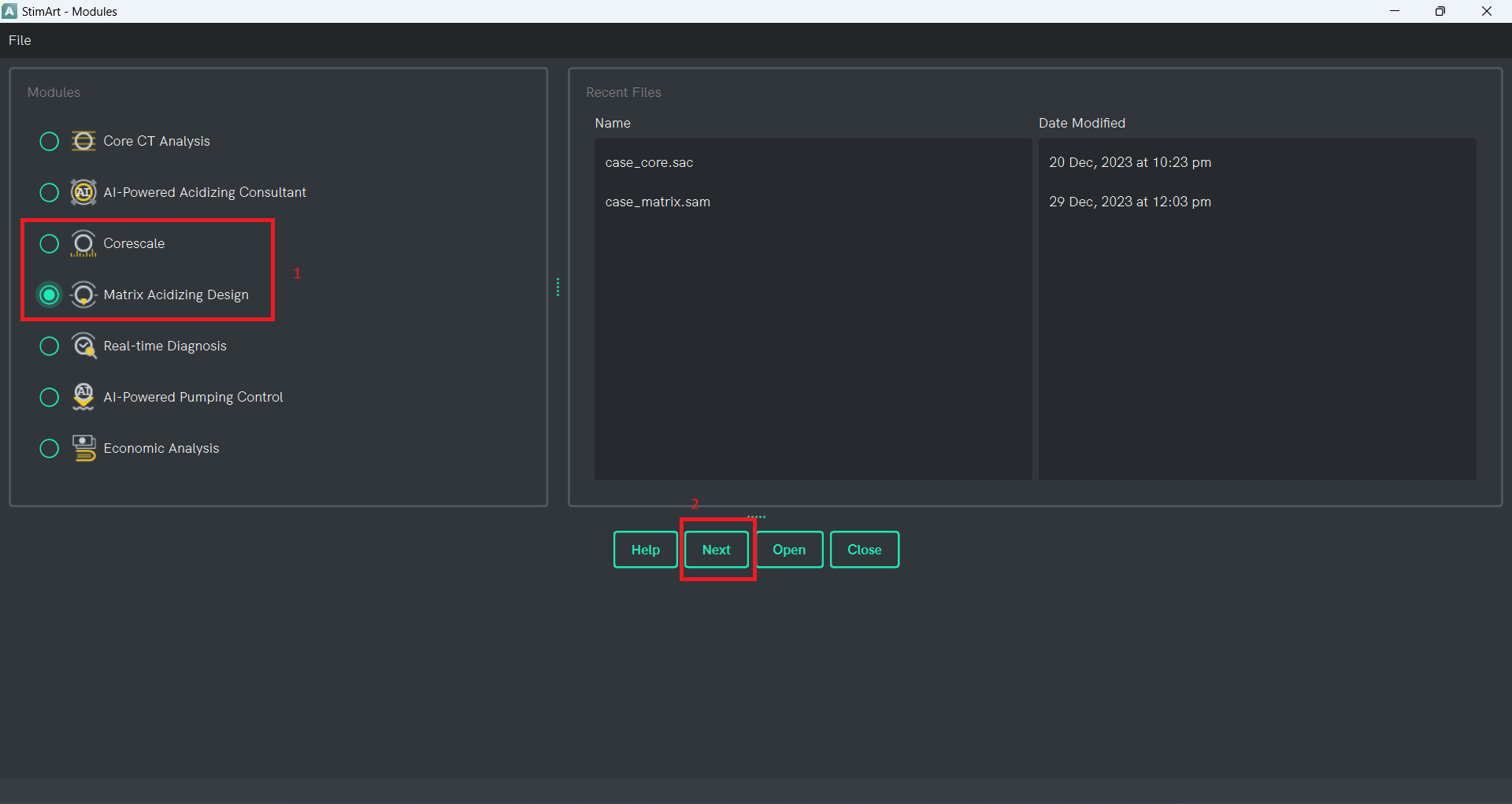
Modules
In this section, users can choose the desired module to open. Currently, only the Corescale and Matrix Acidizing Design modules are active in this version. Users need to select the module and click the "Next" button to open the window corresponding to the selected module.
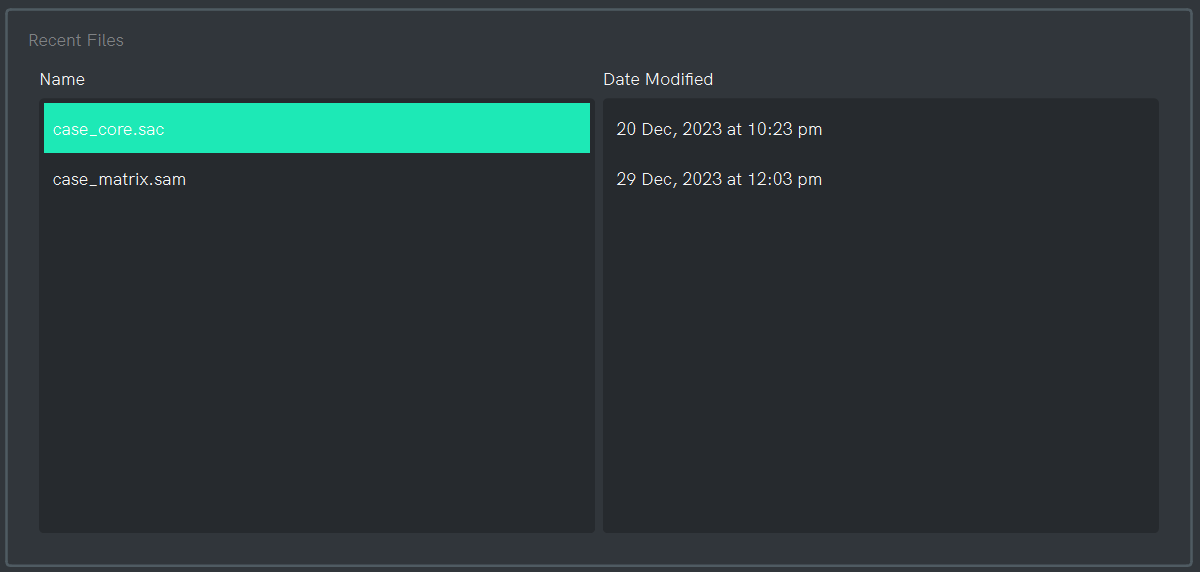
Recent Files
In this section, recently saved StimArt files are displayed, allowing users to double-click on the desired file to open the corresponding saved project. It's important to note that this section is currently inactive in the current version.
Window Buttons
This window features four buttons:
- Close: Closes the window.
- Open: Initiates an open file dialog, allowing users to open a saved StimArt file. Please note that this functionality is inactive in the current version.
- Next: Opens the selected module window.
- Help: Opens StimArt User Manual.